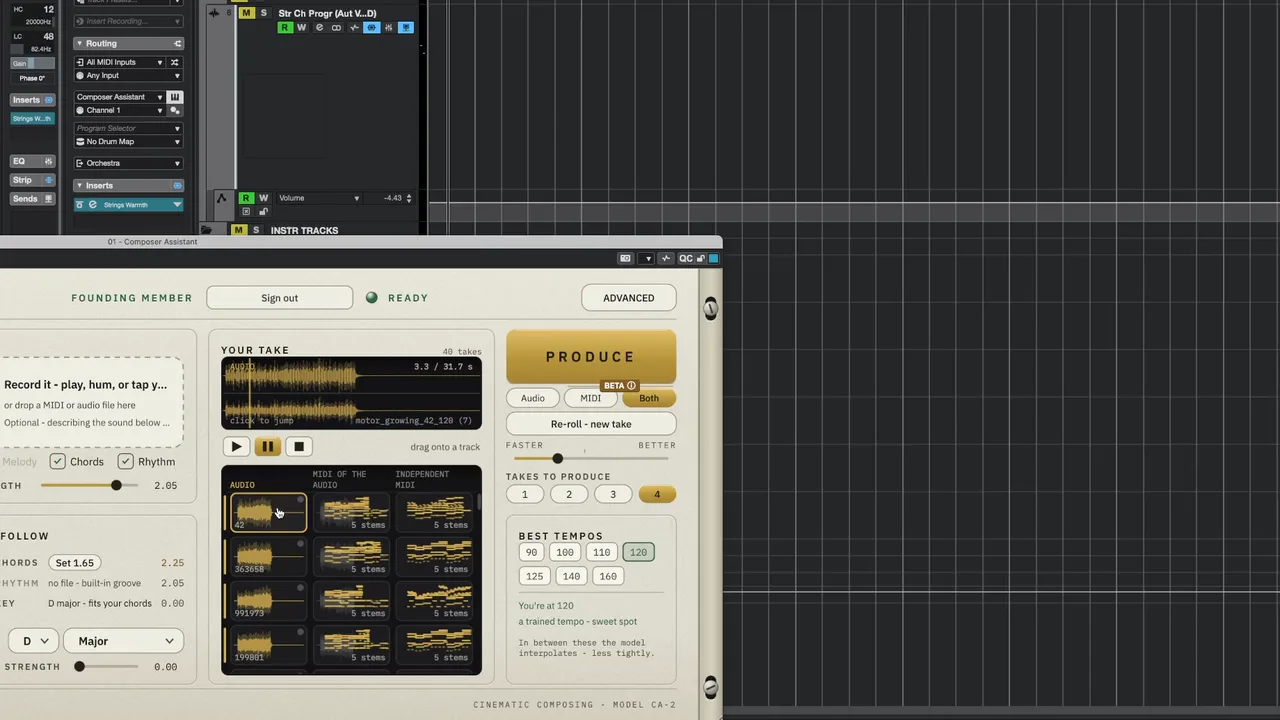
Composer Assistant

Record the ideas you hear in your head.

Already have Composer Assistant? Download 1.0.18
  1. Drop your idea
  2. It reads your chords
  3. Press Produce
  4. Your first take

Tap it on your desk, drop in a MIDI or audio file, or take it straight from your track — and Composer Assistant produces it: voiced, balanced, panned, with the reverb and compression already done.

See the founding offer

Founding offer open until Tue 6 Oct.

A plugin for your DAW — VST3, AU and standalone, on macOS and Windows. Strings and percussion today.

Step by step

How it works

Scroll to follow the whole process, from your idea to your track.

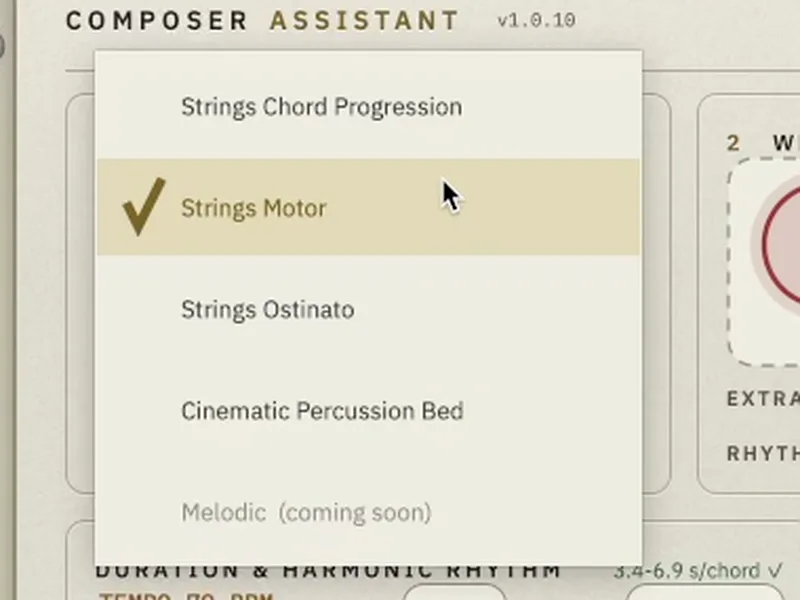
  1. Pick the instrument

    String chord progressions, string motors, ostinatos, or percussion.

    Pick what it plays
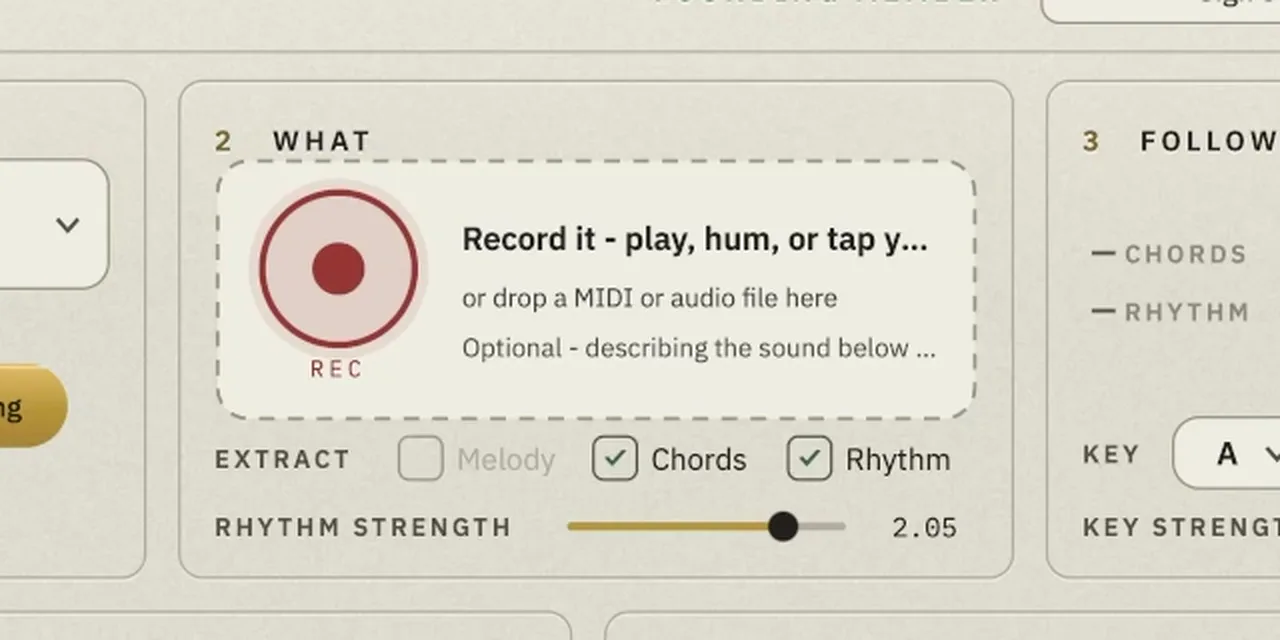
  2. Give it your idea

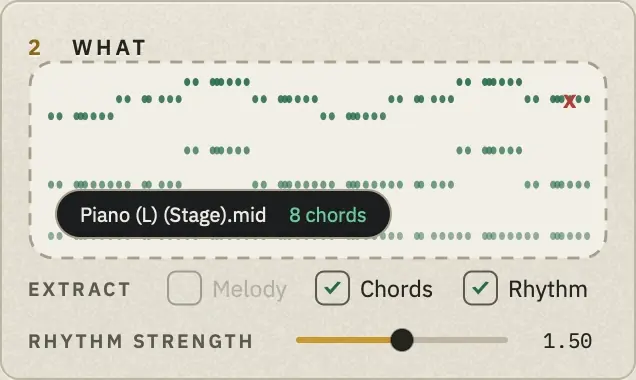
    Drop a MIDI or audio file — or play or tap it into REC, or take the exact notes of a clip in your DAW with FROM YOUR TRACK.

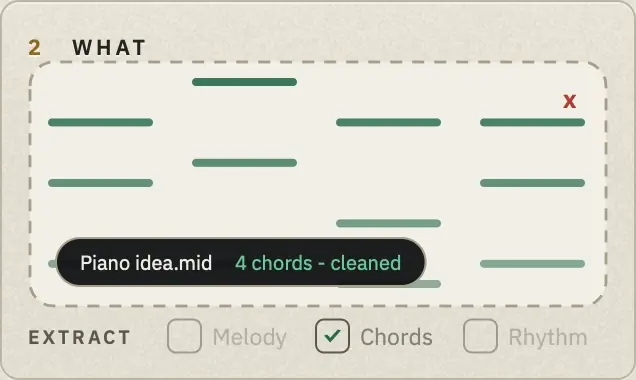
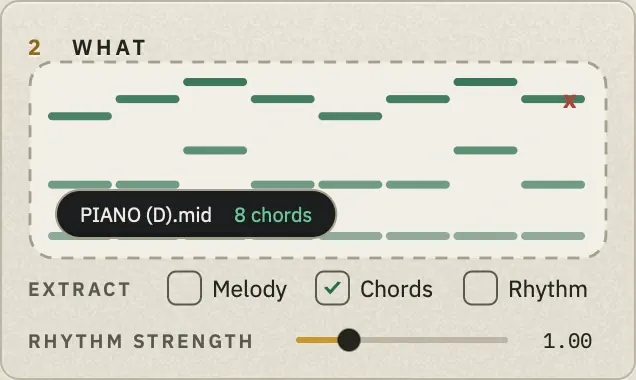
    Drop a MIDI file on WHAT — its notes appear
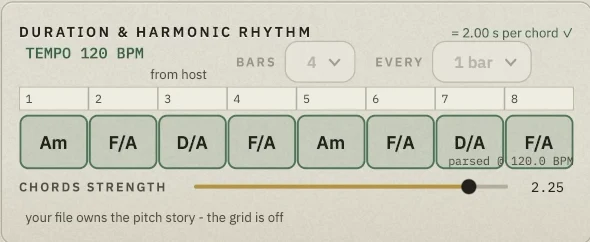
    The chord grid reading Am, F/A, D/A, F/A, Am, F/A, D/A, F/A — one chord per bar.
    The chords it reads, in the grid
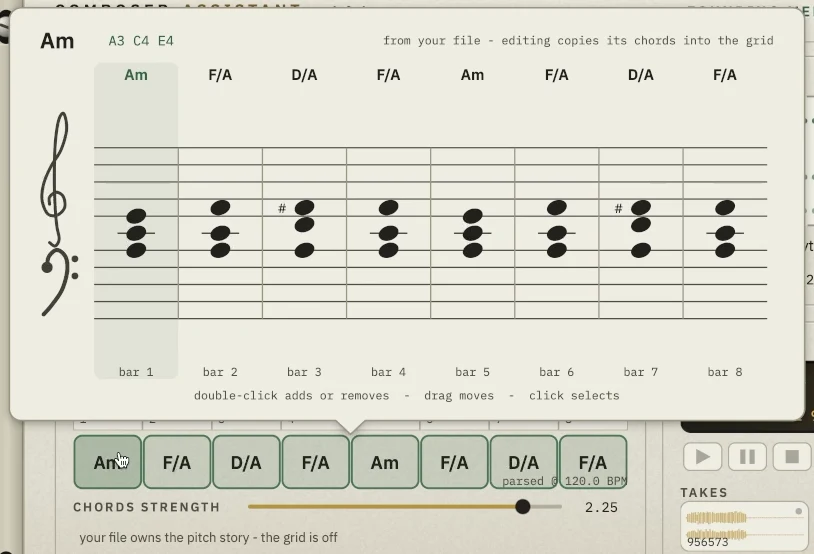
    Composer Assistant’s chord staff writing Am, F/A, D/A, F/A as notation, bar by bar, above the chord grid with the same chords.
    …and on the staff, as notation
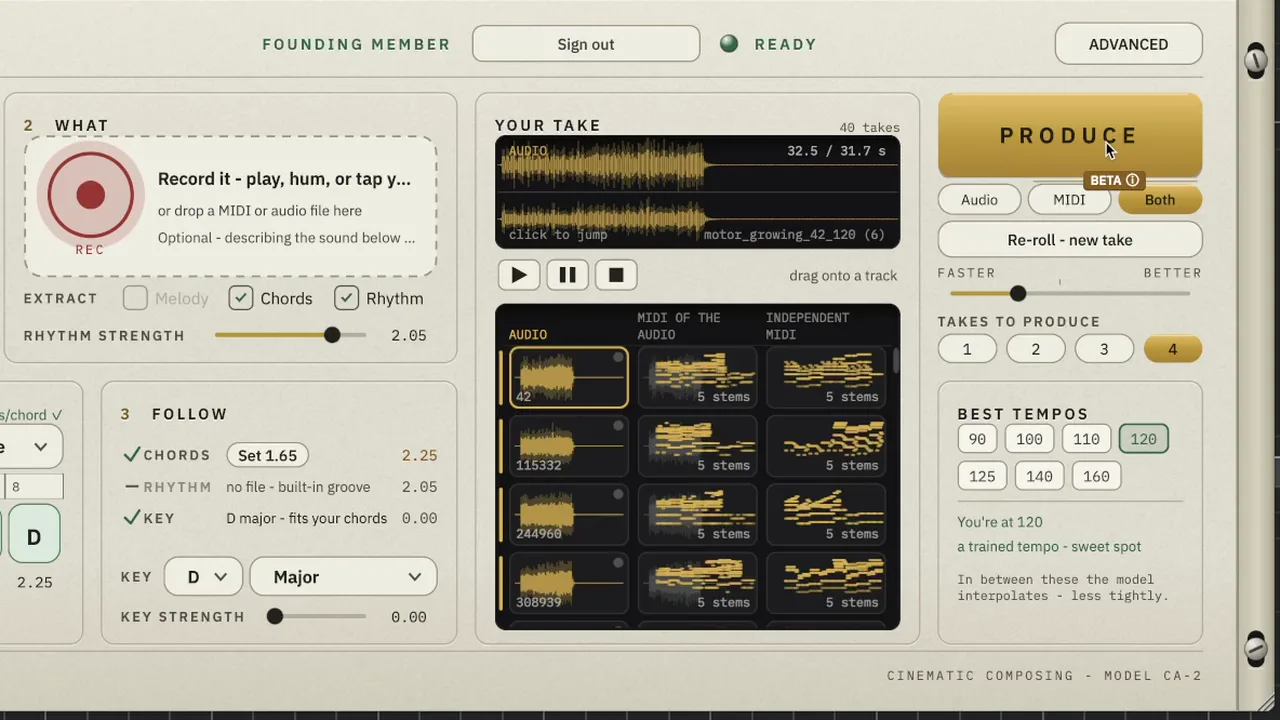
  3. Press Produce

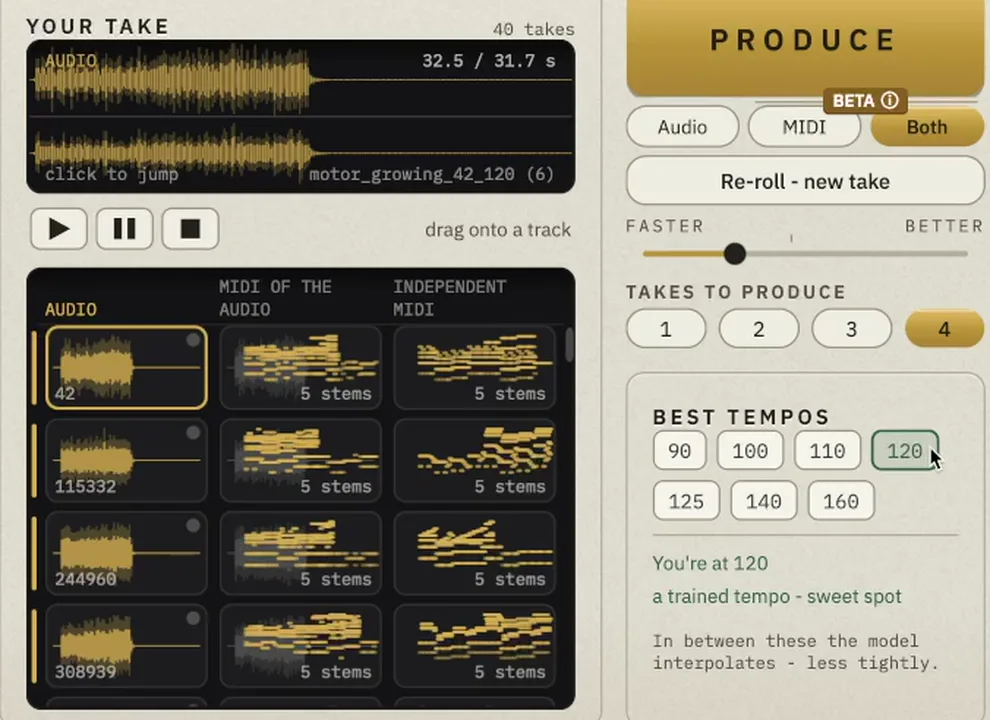
    Up to four takes at a time, fully produced. Audio, MIDI or both — MIDI is in beta.

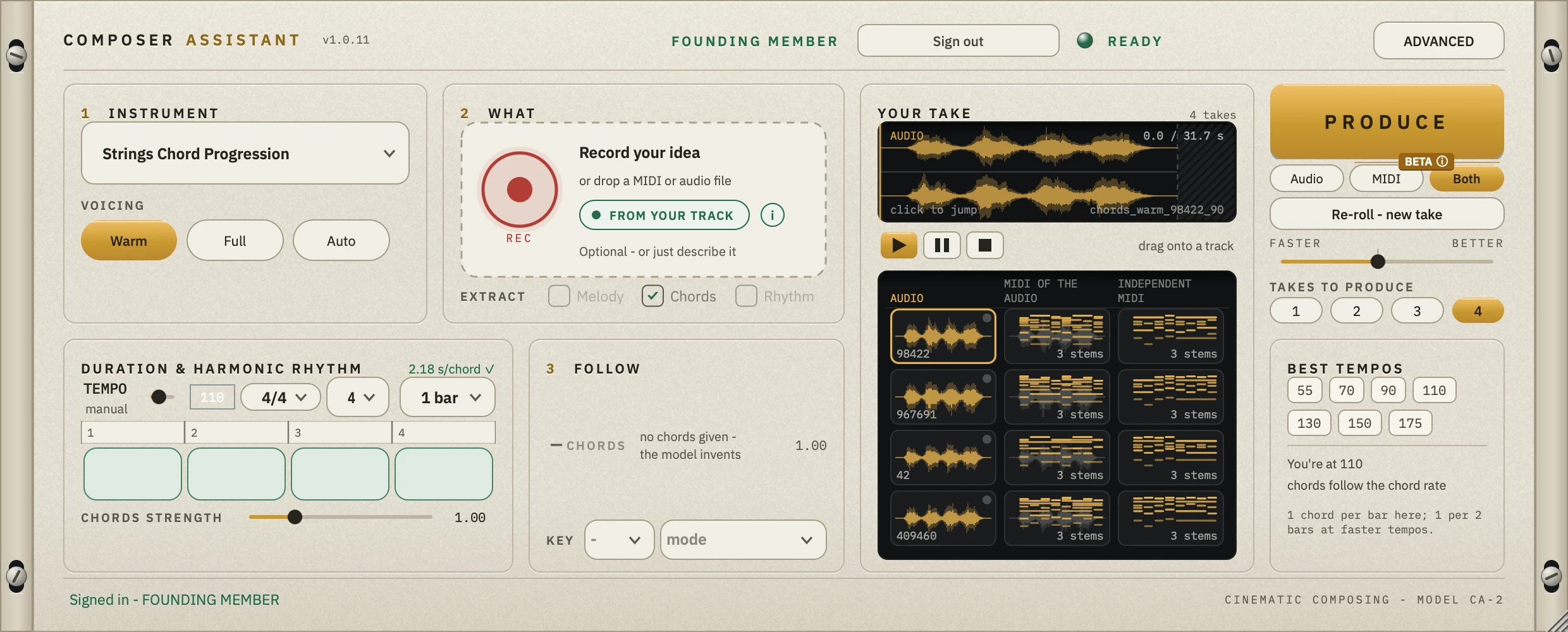
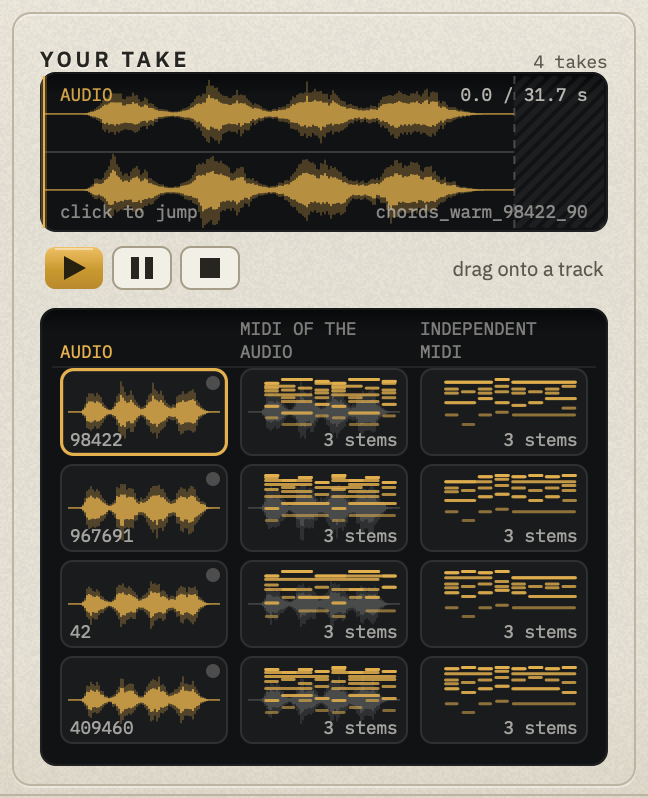
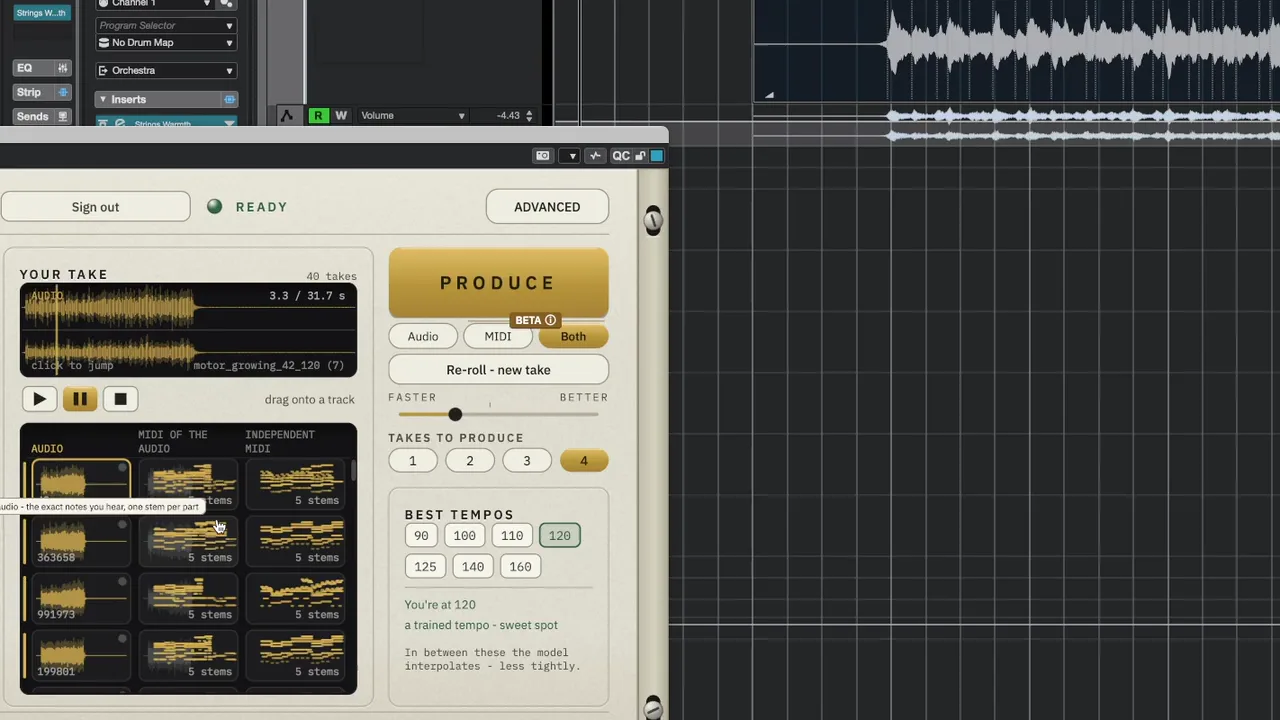
    Press PRODUCE — up to four takes arrive in YOUR TAKE
  4. Drag it onto a track

    Drag any take into your DAW. It lands on the bar, in your tempo.

    YOUR TAKE: the take you picked, ready to drag onto a track.
    Pick a take in YOUR TAKE
    …into your DAW — it lands on the bar

“This will not replace your entire workflow, but it will change the way you compose music, and it feels so good.”

— Marc Jovani

Take the notes straight from your DAW

Press FROM YOUR TRACK, then press Play in your DAW. Your DAW plays the clip into Composer Assistant, and the plugin writes down the exact notes while they sound — 4 or 8 bars, in the VST3 and the AU.

How FROM YOUR TRACK works

Hear it

What goes in. What comes out.

Press play on your idea, then on the takes.

Desk tap into percussion

Your idea
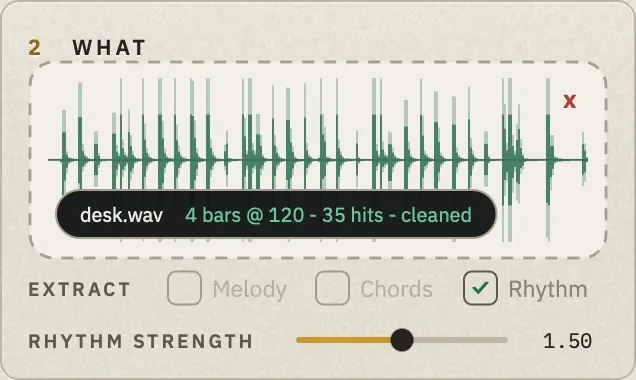
WHAT holding four bars tapped on a desk, recorded with REC
Four bars tapped on a desk, recorded with REC

What you get back

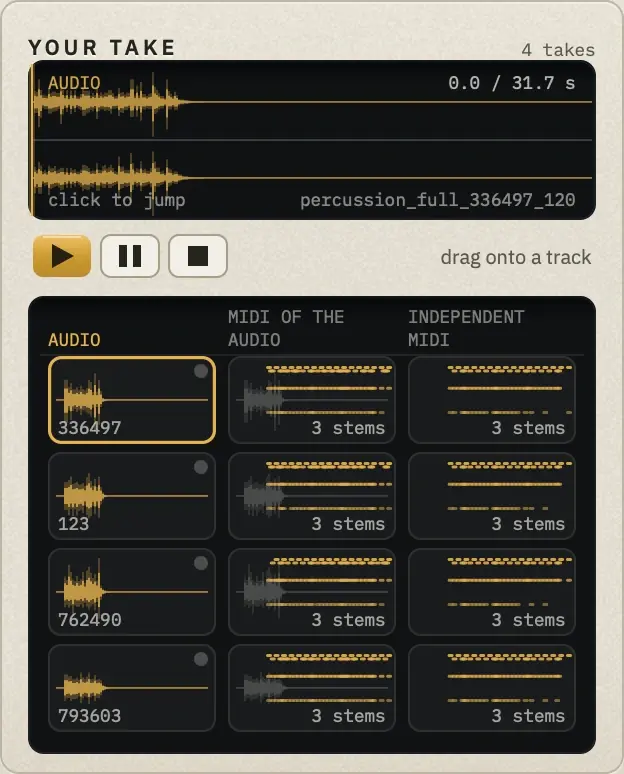
YOUR TAKE with Take 1 (percussion_full_336497_120) on the player
Cinematic Percussion Bed

  • Your idea
  • Take 1
  • Take 2

Piano chords into string progression

Your idea

WHAT holding a piano sketch: D, G/D, A/C#, D
D – G/D – A/C# – D on piano

What you get back

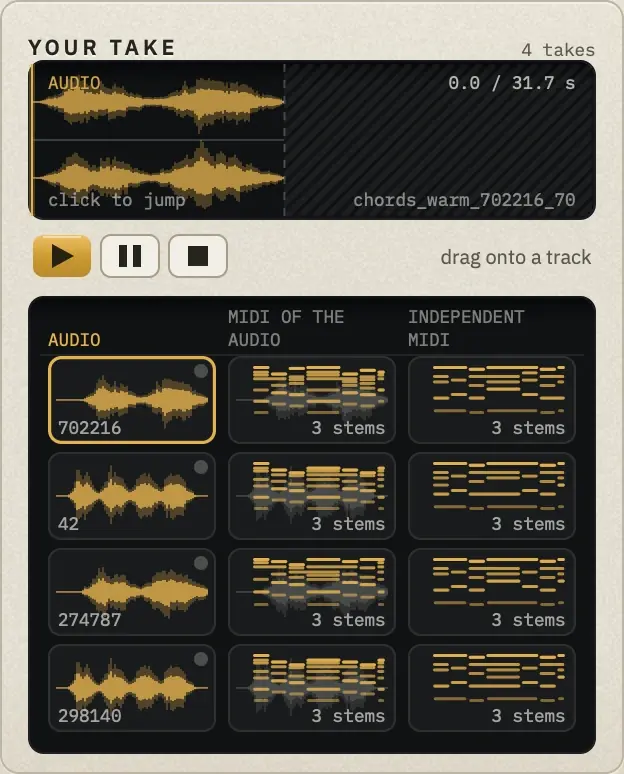
YOUR TAKE with Take 1 (chords_warm_702216_70) on the player
Strings Chord Progression

  • Your idea
  • Take 1
  • Take 2

Piano chords into string motor

Your idea

WHAT holding a piano sketch with a rhythm: Am, F/A, D/A, F/A
A chord progression with a rhythm

What you get back

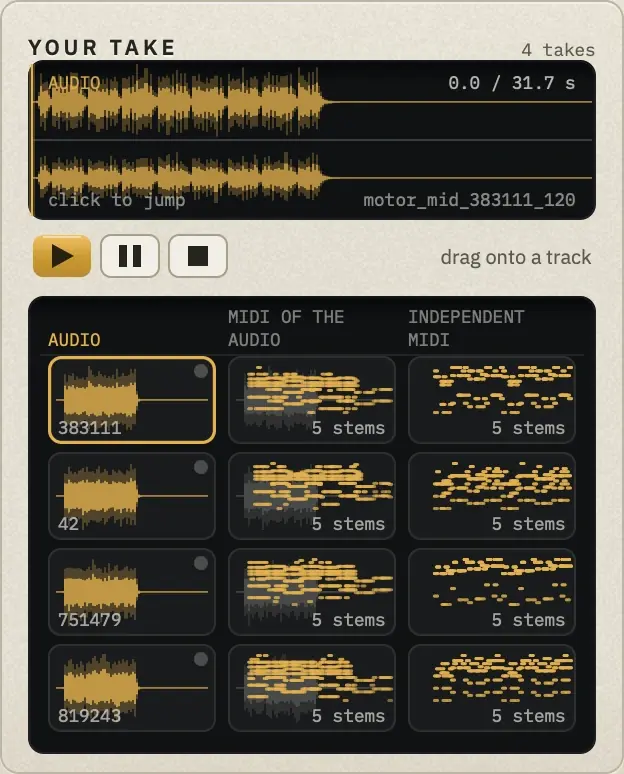
YOUR TAKE with Take 1 (motor_mid_383111_120) on the player
Strings Motor

  • Your idea
  • Take 1
  • Take 2

Same chords into ostinato

Your idea

WHAT holding four held chords: Am, F/A, D/A, F/A
The motor’s chords — Am, F/A, D/A, F/A — each held a bar

What you get back

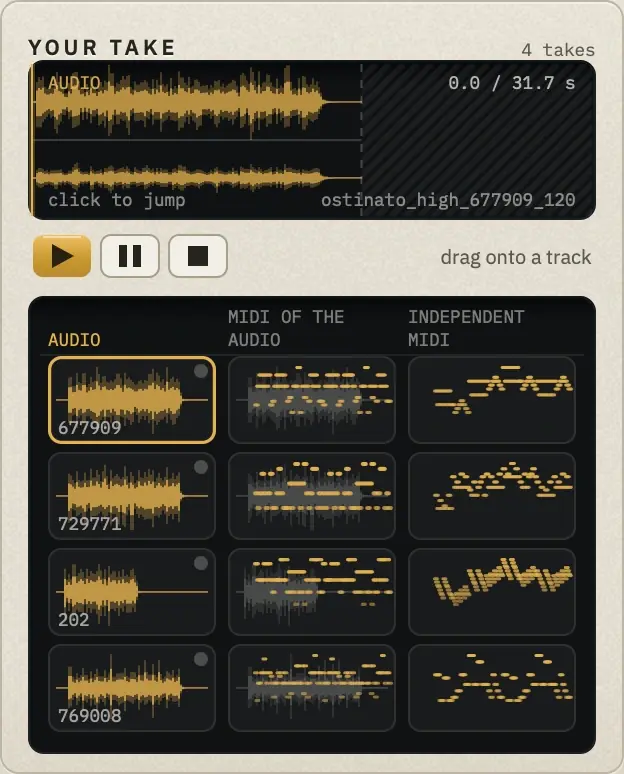
YOUR TAKE with Take 1 (ostinato_high_677909_120) on the player
Strings Ostinato

  • Your idea
  • Take 1
  • Take 2

Where the sound comes from

Not typical prompt-to-music. Every musical element inside Composer Assistant was composed in-house — by Marc or the composers who work at Cinematic Composing — and the engine is a model we trained on it. It follows your ideas, not the ones it learned from.

Can I use it in client work?

Independent MIDI — yes, for finished client work.
It isn't AI: it's built from our own MIDI packs, written by composers, fitted to your chords. Use it like a licensed MIDI pack.
Audio takes and MIDI of the audio — AI-generated:
for sketches, mockups and your own releases; deliver them to a client only if they agree in writing.

How it works →

Output

Use it as it is. Or build it yourself.

Every take can come as audio and as MIDI. Use the audio as it is — or as your reference: drag the MIDI onto your own libraries and work it up to that level of production. That makes Composer Assistant a learning tool, too.

Produce Both Beta

One press, both. Each take arrives as audio, plus the MIDI of that audio, plus an independent MIDI take.

Audio

Fully produced. Drag it in and it’s done — or keep it as the reference for how the part should sound.

MIDI & Stems Beta

The exact MIDI of the audio — or an independent MIDI take: the ensemble, plus a stem for each section — violins, violas, cellos, basses (high, mid and low for percussion). Drag each onto its own library, the definition layers onto your legato patches, then A/B against the audio.

Watch it compose

Watch Marc compose with it.

  • Composing an adventure hero cue 9:01 Marc composes an adventure hero cue from one piano sketch: a strings motor, a percussion bed from the same sketch, an ostinato on top, then sample-library strings.
  • Composing a sad cue 10:38 Marc composes a sad cue from one chord-progression take, cut and reused for the intro, the transition and the theme, with reverb, sul tasto strings and piano on top.

See all videos →

You already had this sound in your head. Now make it real.

Two plans

Closed for now

$10 a month

For regular use.

Closed for now

$30 a month

Ten times the usage. Three times the price.

The plans open when we add capacity: a group gets in, and the doors close again. Right now the founding offer is open, until Tue 6 Oct.

See the founding offer

Already own it? Sign in